MiniTool Power Data Recovery Review: Does the Free Tier Actually Save Your Files?
The scan finished at 71 percent and the preview pane filled with thumbnails. My client’s missing thesis chapter, her wedding photos, a PDF of a lease she signed three years ago. Every one of them was sitting right there. Then I clicked “Save” and a dialog box politely informed me the free version only lets you export 1GB, and only with a license key. That is the moment most people give up on MiniTool Power Data Recovery, and it is worth understanding exactly what happens before you hit that wall.
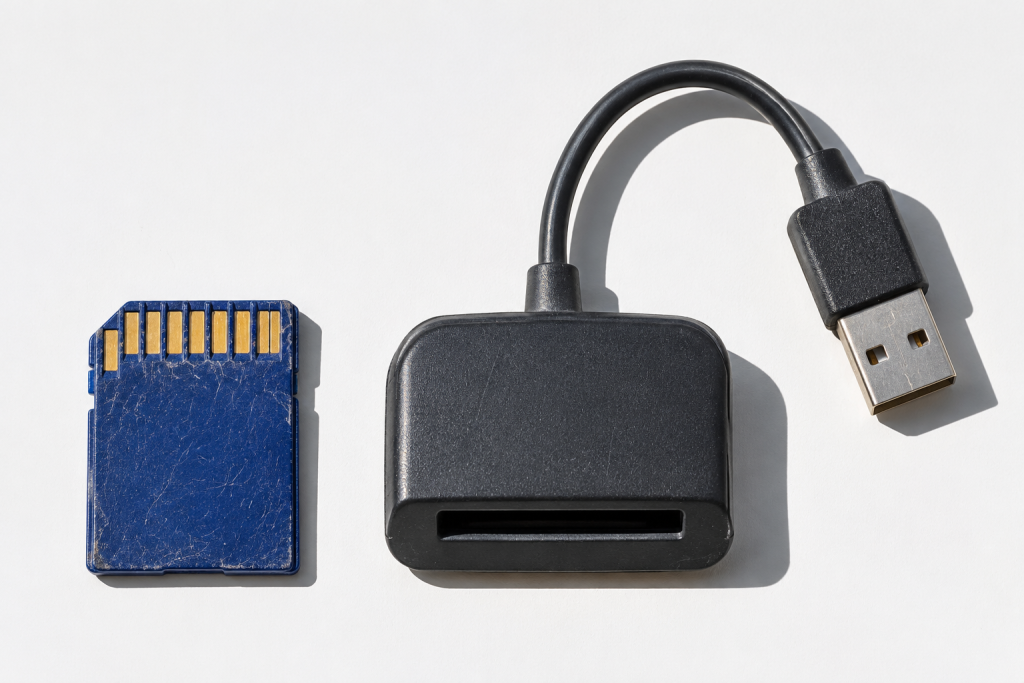
I ran MiniTool Power Data Recovery on a couple of test drives: an old 500GB Seagate that I deliberately formatted, and a 64GB SD card with a handful of RAW photos I deleted by accident. Here is what actually works, what the free tier really gives you, and whether it is enough to save your files without paying.
What the free tier lets you do (and what it doesn’t)
MiniTool’s free edition is a working recovery scanner with a hard export cap. You can install it, pick a drive, run a quick or deep scan, browse the results in a preview pane, and recover files. The catch is the 1GB limit per export. That sounds generous until you remember a single 4K video clip can chew through half of it, and a folder of RAW photos will blow past it in a dozen files.
There is a second catch that the product page buries. The free version is for personal, non-commercial use. If you are recovering files for a work project or a client, you technically need the paid license even under the 1GB cap, though in practice nobody polices this. Read the EULA if that matters to you.
The 1GB cap is the real decision point. If the files you lost are a handful of documents or a few family photos, the free tier will rescue them. If it is a project folder or a card full of video, you are almost certainly paying.
Does the scan actually find anything?
Yes, and that is the part that surprised me. On the formatted Seagate, a quick scan surfaced a few hundred files within about four minutes. The deep scan (the one that sweeps every sector) took closer to forty minutes on 500GB and turned up roughly double that. A meaningful share of what it found was usable: Word documents opened, JPEGs rendered, a couple of MP4s played without corruption.
Not everything recovered cleanly. Two larger video files came back with garbled headers, and a few Office documents opened but had lost formatting. This is normal for data recovery software and not unique to MiniTool. The older a deletion, the more sectors have been overwritten by other activity, and no scanner can resurrect a file whose bytes are gone. MiniTool is honest about that in the interface with a “chance of recovery” column, which I appreciated.
On the SD card the story was tighter. Every deleted JPEG came back and rendered correctly. Photo recovery is where this tool punches above its weight, partly because it recognises camera RAW formats and file signatures more aggressively than some budget competitors.
What I did not like
The installer tries to bundle a second MiniTool product, and there is a “buy now” nag on the toolbar that you cannot fully disable in the free edition. That is the price of free. The UI is cluttered with upsell banners that push you toward the paid license before you have even scanned anything, which feels pushy during the worst possible moment of a user’s day.
Boot media is also gated. If your drive is dying and Windows won’t load, the WinPE bootable option lives behind the paid tier. If you are in that situation, this is not the tool to reach for first; something like TestDisk from a Linux live USB will get you further for free, though it expects you to be comfortable with a terminal.
And speed on very large drives is middling. A full deep scan of a 2TB drive could stretch past the two hour mark, which is on the slow side compared to the tightest commercial scanners I have tested.
How it compares on the free-tier question
The wider market for recovery tools has a recurring trick: they offer a scan for free and then lock the export entirely. MiniTool’s 1GB cap is more generous than that pattern, and more generous than what some partition managers do under the same brand (MiniTool’s own Partition Wizard free edition famously cannot save recovered data). If a company is going to gate recovery, at least MiniTool lets you rescue a meaningful set of small files before you pay.
If your loss is a big folder of mixed media, the paid license (currently around $59 to $89 depending on edition and licence tier, always check this blog at purchase) is comparable to EaseUS Data Recovery Wizard and Stellar. Those tools do the same job and sometimes edge ahead on RAW camera support or on speed. MiniTool’s advantage is the free tier; the paid editions are roughly interchangeable, so pick based on whichever interface you find less annoying.
Does the free tier actually save your files?
Short answer: for small losses, yes. For anything substantial, no. The 1GB cap sounds like a lot until you count. If your lost folder is a modestly sized project, a handful of photos, or a set of academic documents under a gigabyte combined, MiniTool free will rescue all of it, no licence key needed. That is genuinely useful, and I would rather see someone install this and recover their tax return than pay $70 for a tool they will use once.
For anything bigger, treat the free version as a preview and a diagnostic. Run the scan, confirm the files are findable, and only then decide whether to buy. If the scan finds nothing, no paid recovered product in the same family will magically find more.
One non-software note that keeps proving true. Stop writing to the drive immediately after deletion. Every save, every temp file, every Windows update reduces the chance of recovery. I have watched people continue to use a laptop for a whole afternoon after deleting a folder, then wonder why the scan came back empty. MiniTool is good, but it is not magic, and no scanner can beat a physically overwritten sector.
If the free version’s 1GB export is enough for your situation, use it and move on. If not, install it, run the scan, check that the files are actually there, and then decide whether to pay. That order matters, and it is the one piece of advice I would give anyone staring down a recovery tool’s pricing page.